Connect the dots
What is a digital garden? Publishing linked notes in public
· 6 min read


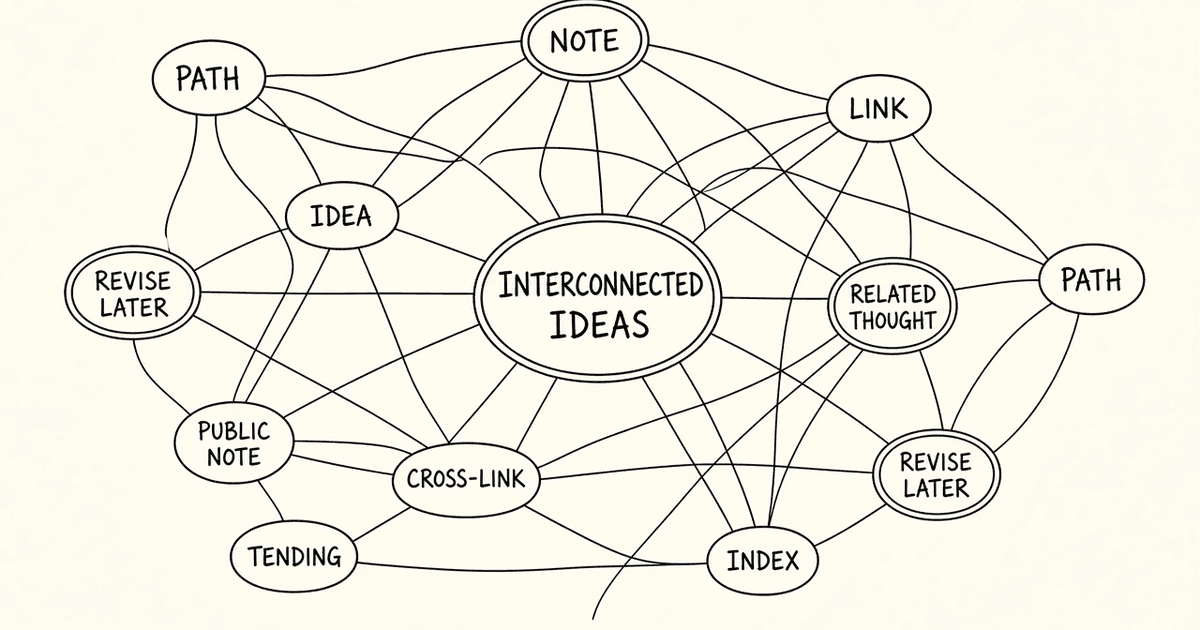
A digital garden is a collection of notes you publish in public and keep tending. Unlike a blog, where each post is dated and then forgotten, a garden grows. Notes get revised, split apart and linked together as your thinking changes.
Digital garden vs. blog
- A blog post is finished when it ships. A garden note is never quite finished.
- A blog is ordered by date. A garden is organized by links between ideas.
- A blog asks readers to scroll. A garden invites them to wander from one idea to the next.
Many people keep linked notes privately in tools like Obsidian or Notion. A public garden takes the same habit and lets other people read, find and build on it.


How a garden works on WeWrite
Every WeWrite page is a living, versioned document. You can publish a rough idea, refine it later, and the history is kept. Pages are public and indexable by default, so your garden can be found in search.
- Write a page about one idea.
- While editing, type @ to search for another page and insert a link to it.
- Open any page to see "What links here", the list of pages that link back to it.
- Keep editing. Linked pages stay connected as both sides change.


Links are not only for your own pages. You can link to pages by other writers, and they can link to yours. That is how one person's notes become part of a larger web of ideas.
Want to try linking two ideas? Start writing your first page →


Why links help readers find you
Every link is a path a reader can follow. A page with links in and out gets more chances to be discovered than a page that stands alone. When readers arrive and find the page useful, they can choose to support it. How reader-funded writing works explains that part.
Start with one note
A garden does not need a plan. Start with the topic you know best (see Your special interest is worth writing down), then link the next idea when it comes up.


Further reading
Special interests
Your special interest is worth writing down
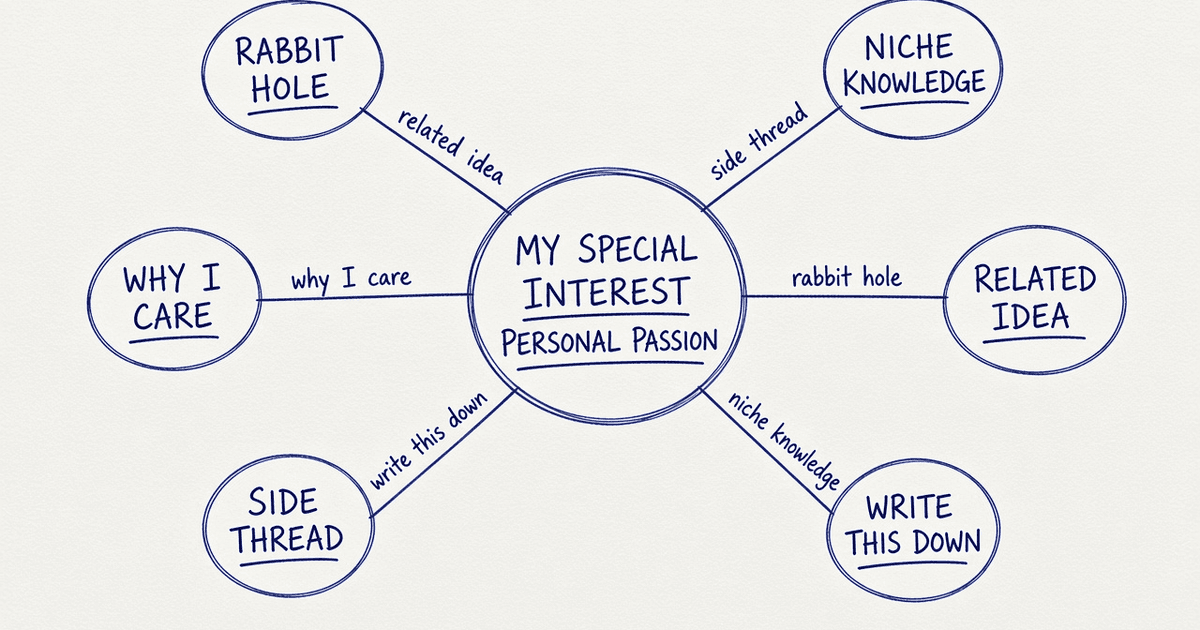
The topic you could explain for an hour deserves a permanent home. How to write about a niche interest on WeWrite, free to read and free to write.
Reader-funded
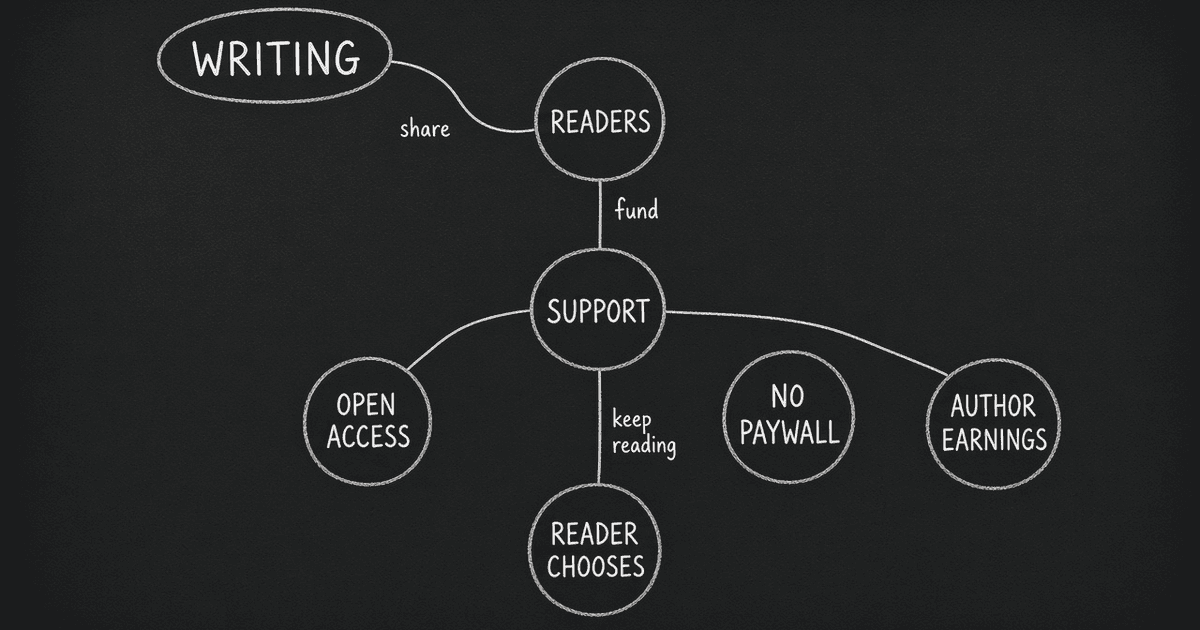
How reader-funded writing works on WeWrite
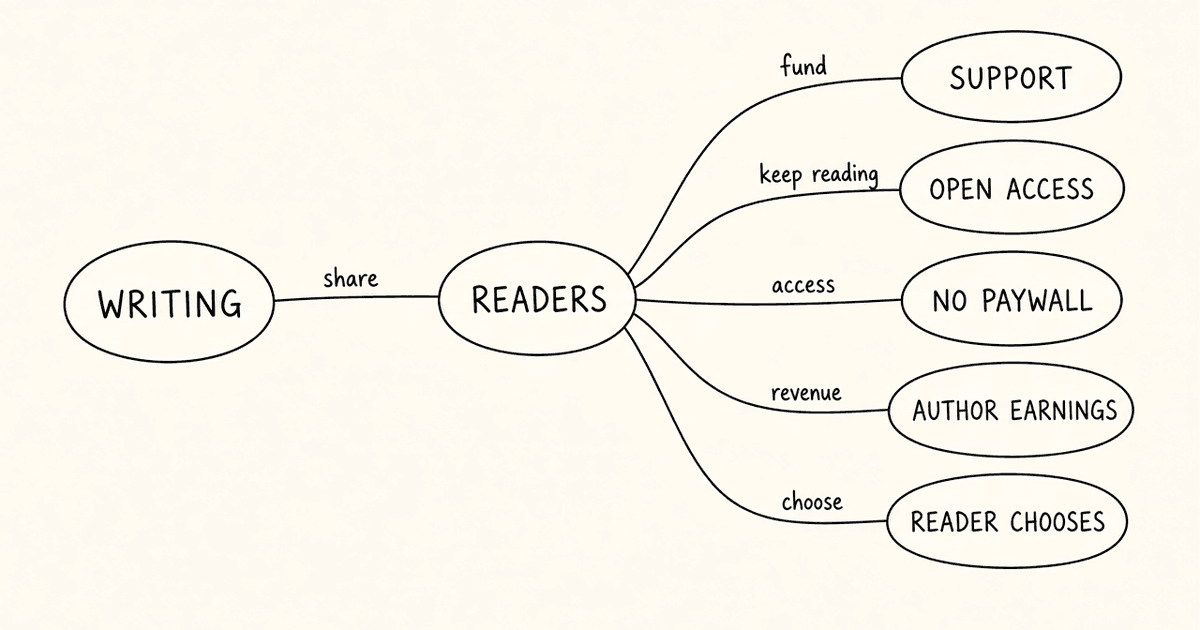
Readers split a monthly budget across the pages they value, and writers get paid out weekly. How WeWrite reader funding, fees and payouts work.


